
The TikTok safe zone is the part of a 9:16 video that TikTok's buttons and caption do not cover. On a 1080 x 1920 video, keep text, faces, and logos at least 131 px from the top, 484 px from the bottom, 60 px from the left, and 140 px from the right. That leaves an 880 x 1305 px safe area.
Free TikTok safe zone template (PNG)
The template is a transparent 1080 x 1920 PNG. The red areas are what TikTok covers, and the dashed box is the safe area. It is free to use, with no sign-up.
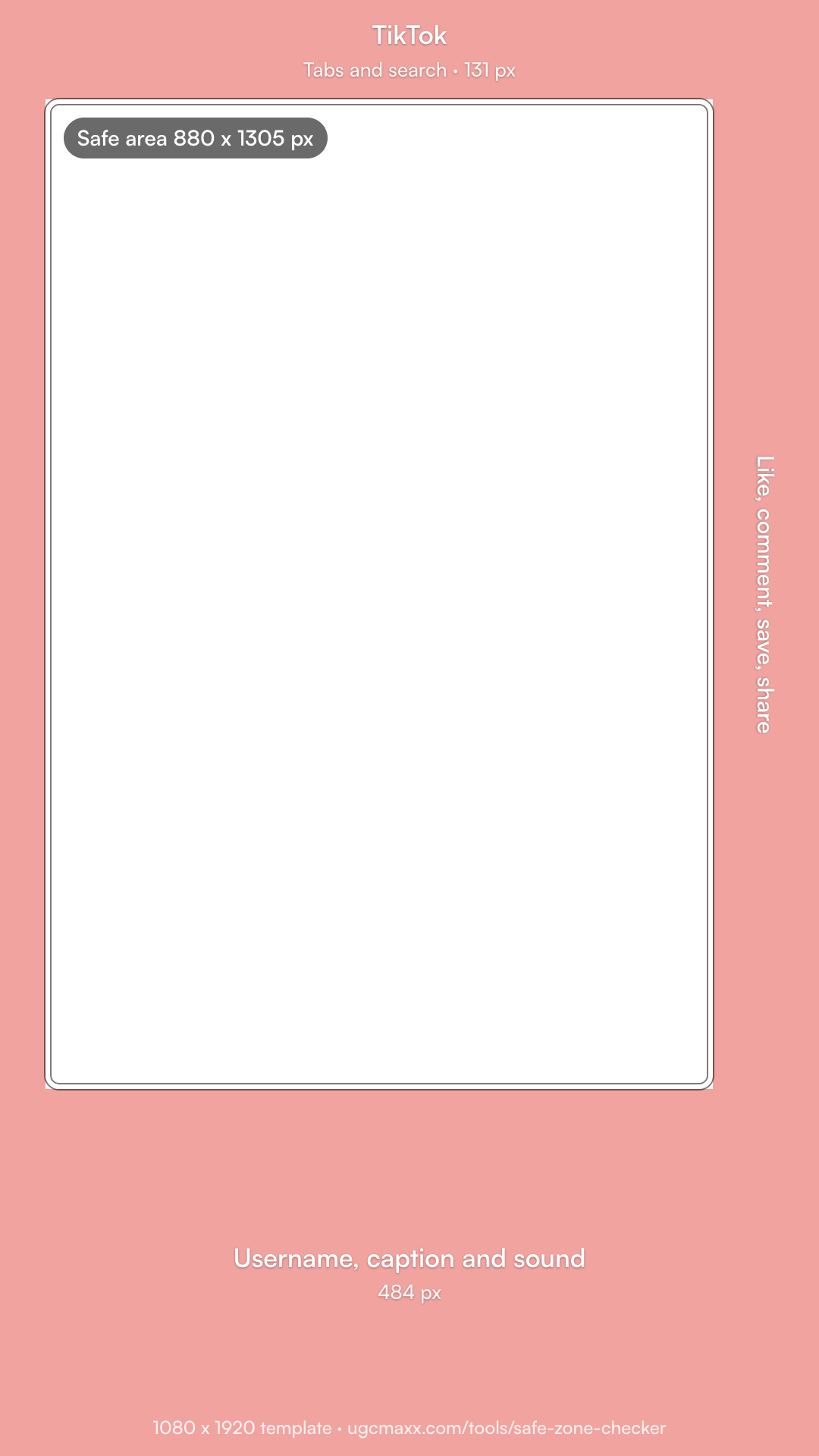
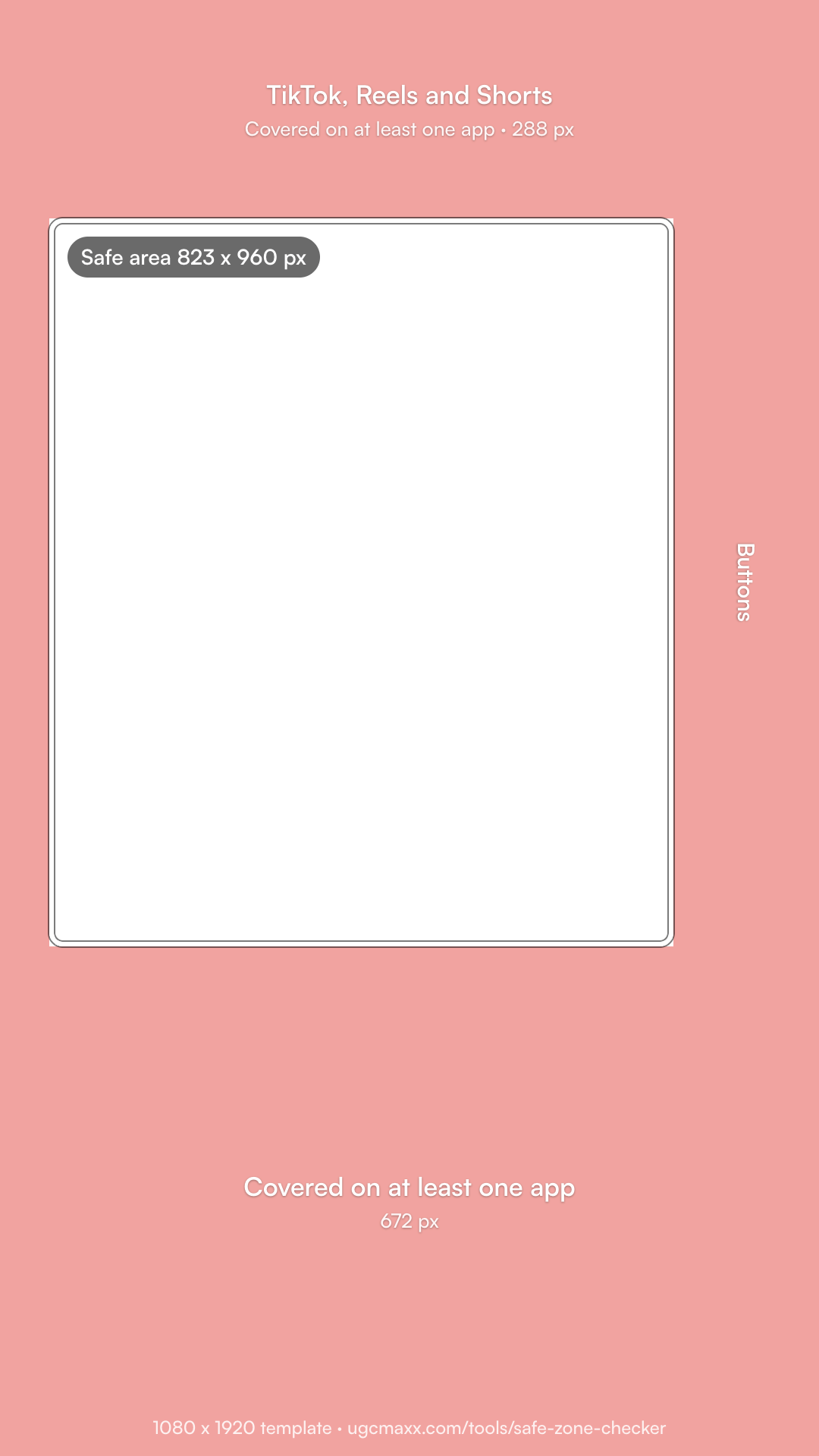
What are the TikTok safe zone dimensions?
| Keep clear | On 1080 x 1920 | On 720 x 1280 | Share of frame |
|---|---|---|---|
| Top | 131 px | 87 px | 6.8% |
| Bottom | 484 px | 323 px | 25.2% |
| Left | 60 px | 40 px | 5.6% |
| Right | 140 px | 94 px | 13% |
| Safe area | 880 x 1305 px | 586 x 870 px | 81% x 68% |
Checked October 23, 2026. Published TikTok templates differ. EZUGC uses 130 px at the top, 484 px at the bottom, 44 px on the left, and 140 px on the right. AdNabu's ad specs use 160 px at the top, 440 px at the bottom, and 80 px on each side for in-feed ads. Ours keeps the larger bottom and right margins. TikTok changes its layout often, so test a private post.
What covers each part of a TikTok video?
- Top: the Following and For You tabs, LIVE, and search.
- Right: the creator's profile photo and the like, comment, save, and share buttons, with the spinning sound disc below them.
- Bottom: the username, the caption, and the sound name. Ads add a Sponsored label and a call-to-action button.
- Left: nothing fixed, but phones crop the edges a little, so keep a small margin.
Is the TikTok safe zone different for ads?
A little. TikTok's Ads Help Center says the safe zone for in-feed ads depends on the video's shape, the length of the ad caption, and any extra formats, and it offers safe zone files for each. An ad shows a Sponsored label and a call-to-action button above the caption, so a long ad caption pushes the covered area higher.
- In-feed ads: keep the ad caption short, or leave more room at the bottom than the template shows.
- Spark Ads: they run an existing post as an ad, so the post's own caption shows. Check that post on a phone first.
- TopView: the ad opens full screen when the app starts, then turns into a normal in-feed post, so plan for the in-feed safe zone.
How do you use the TikTok safe zone template?
- Download the template. Get the free 1080 x 1920 transparent PNG on this page.
- Add it on top of your video. Put the PNG on the track or layer above your video and stretch it to fill the 9:16 frame.
- Keep key elements in the box. Place hook text, faces, the product, and burned-in captions inside the dashed box.
- Hide it before you export. Turn the template layer off or delete it, then export and check a private test on TikTok on a phone.
- CapCut: add the PNG as an overlay on a track above your video, stretch it to the frame, and delete it before you export.
- Premiere Pro: put the PNG on the top video track, scale it to the frame, and turn off that track's output (the eye icon) before you export.
- Canva: upload the PNG to a 1080 x 1920 design, resize it to fill the page, and delete it before you download.
Where should text and faces go on TikTok?
- Hook text in the top third of the safe area, just below the tabs, where the eye lands first.
- Faces centered and a little above the middle, clear of the caption.
- Burned-in captions no lower than 1436 px from the top, the bottom of the safe area.
- Logos away from the top corners and the right edge.
- The product in the center, left of the button column.
We edit every UGC ad we deliver this way, and we write the hook for the first three seconds, where it sits in the clear part of the frame.
