
The Instagram Reels safe zone is the part of a 9:16 video that the Reels interface does not cover. Ad guides keep the top 14%, the bottom 35%, and 6% on each side clear: on a 1080 x 1920 video, that is 269 px, 672 px, and 65 px, which leaves a 950 x 979 px safe area. Meta itself gives no fixed numbers and points to the Safe zone guardrail in Ads Manager.
Free Instagram Reels and Meta ads safe zone template (PNG)
The template is a transparent 1080 x 1920 PNG. The red areas are what Reels covers, and the dashed box is the safe area. Meta uses one safe zone rule for 9:16 ads in Stories, Reels, and Feed, so the same template works for all of them.
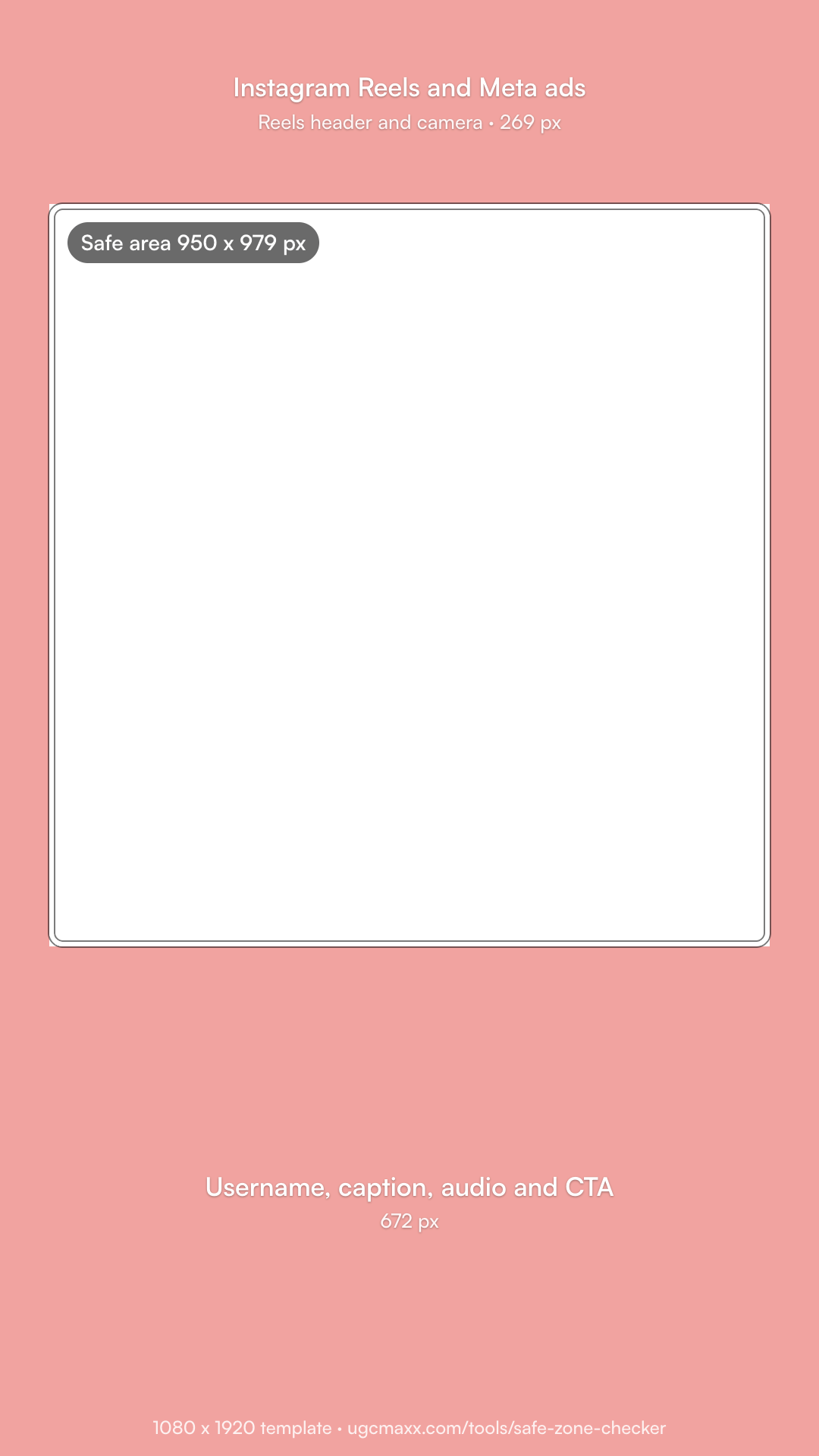
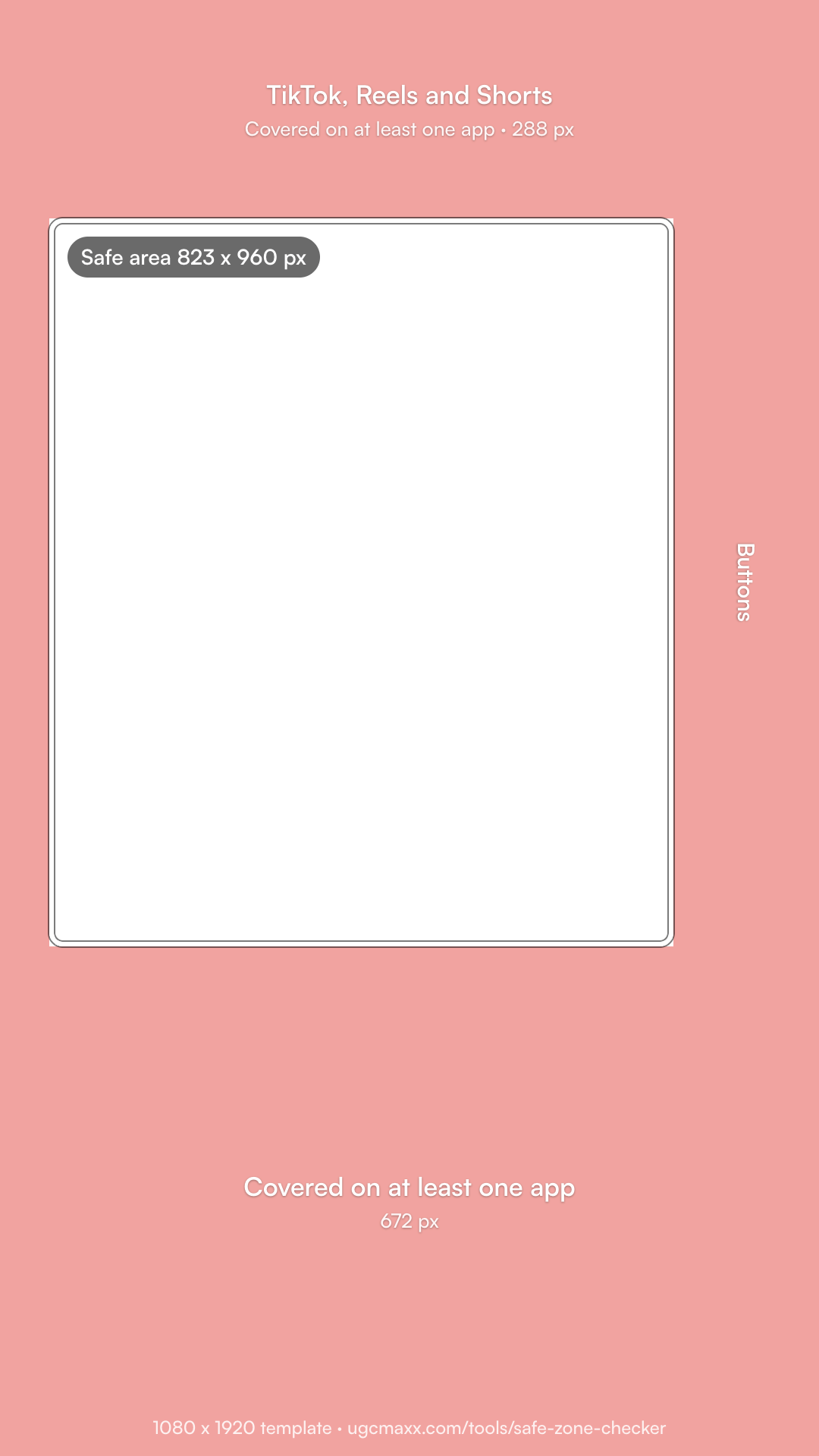
What are the Instagram Reels safe zone dimensions?
| Keep clear | On 1080 x 1920 | On 720 x 1280 | Share of frame |
|---|---|---|---|
| Top | 269 px | 179 px | 14% |
| Bottom | 672 px | 448 px | 35% |
| Left | 65 px | 43 px | 6% |
| Right | 65 px | 43 px | 6% |
| Safe area | 950 x 979 px | 634 x 653 px | 88% x 51% |
Checked October 23, 2026. These are the margins that ad guides attribute to Meta, such as Adnova's and Zeely's. Meta's Help Center gives no fixed margins (see below). For a Reels ad with a disclaimer, keep the bottom 768 px (40%) clear instead, or 512 px on 720 x 1280.
What does Meta say about safe zones?
Meta's Business Help Center gives one rule for 9:16 ads in Stories, Reels, Feed, and Facebook in-stream reels: keep the top, bottom, and sides free of key text, logos, and other important elements, so the profile icon and the call to action do not cover them. It gives no pixel values. Instead:
- Safe zone guardrail: in Ads Manager, turn it on to see the safe area inside a yellow overlay on your ad.
- Disclaimers: a Reels ad with a disclaimer should leave the bottom 40% clear.
- Taller screens: Meta may zoom a 9:16 ad to fill the screen, which crops the edges, or show it with black bars. Keep key elements well inside.
- Feed: 9:16 video in Instagram Feed uses the same rule. For 1:1 and 4:5 Feed ads, keep the bottom and side edges clear.
Meta is replacing the "Sponsored" label with "Ad". Either label sits at the bottom with the username, inside the area the template marks as covered.
What covers each part of a Reel?
- Top: the Reels header and the camera icon.
- Right: the like, comment, share, and more buttons, and the audio thumbnail, low on the right side.
- Bottom: the profile photo, username, Follow button, caption, and audio name. Ads add the Ad label and a call-to-action button, such as Shop now.
- Left: nothing fixed, but zoom on tall phones can crop the edges.
How do you use the Instagram Reels safe zone template?
- Download the template. Get the free 1080 x 1920 transparent PNG on this page.
- Add it on top of your video. Put the PNG on the track or layer above your video and stretch it to fill the 9:16 frame.
- Keep key elements in the box. Place hook text, faces, the product, and burned-in captions inside the dashed box.
- Hide it before you export. Turn the template layer off or delete it, then export and check a private test on Instagram on a phone.
- CapCut: add the PNG as an overlay on a track above your video, stretch it to the frame, and delete it before you export.
- Premiere Pro: put the PNG on the top video track, scale it to the frame, and turn off that track's output (the eye icon) before you export.
- Canva: upload the PNG to a 1080 x 1920 design, resize it to fill the page, and delete it before you download.
- Meta Ads Manager: turn on the Safe zone guardrail when you set up the ad, and check the preview for each placement.
Where should text and faces go on Instagram?
- Hook text in the upper half of the safe area, below the top 269 px.
- Faces centered and a little above the middle, well above the caption.
- Burned-in captions no lower than 1248 px from the top, the bottom of the safe area.
- Disclaimers and offers above the bottom 40% when the ad has a disclaimer.
- The product in the center, away from the buttons on the lower right.
We edit every UGC ad we deliver this way, and we write the hook for the first three seconds, where it sits in the clear part of the frame.
